

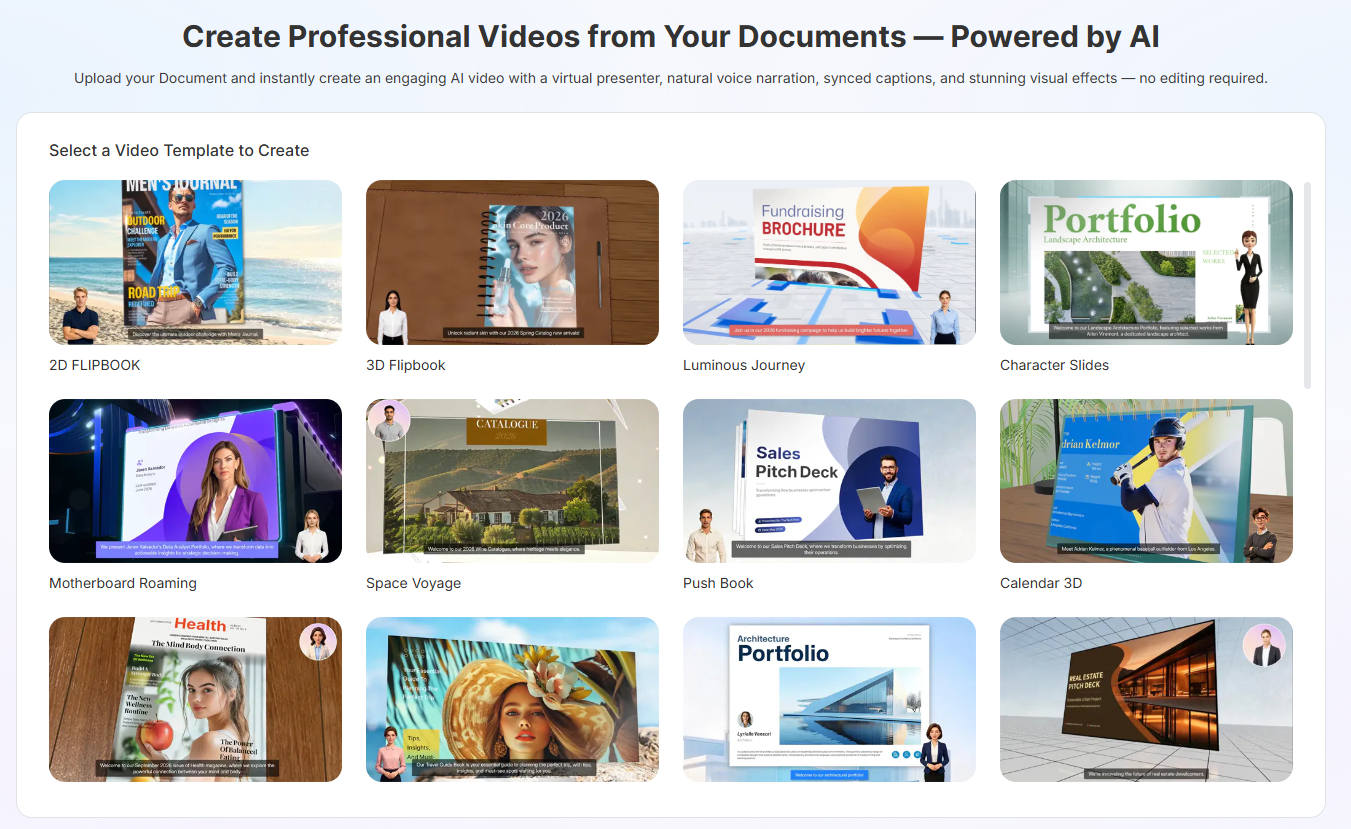
Hong Kong, Hong Kong S.A.R. Nov 26, 2026 (Issuewire.com) Recastia, a content repurposing platform, unveils a PDF to video converter with three generation modes: Minimal, Easy, and Advanced. Users can turn PDF files into MP4 videos that display pages automatically without voiceover or include narration. For narrated videos, they can use one continuous script or a separate script for each selected page. The modes accommodate different uses, from a video playing on a reception screen to a narrated introduction or training presentation.
Minimal Mode automatically displays the pages selected for the video without adding narration. Users can set the same display time for each page or divide a total page display duration evenly among them. A service brochure could become a video showing available services in a waiting area, or a speaker could use the video while explaining the content in person.
Easy Mode uses one continuous narration script for the full video. Users write or edit the full narration in a single text field, connecting information across the selected pages. For example, an organization could introduce its services by explaining whom it helps, what it provides, and how to make an inquiry, using the relevant brochure pages as visual material.
Advanced Mode provides a separate narration script field for each selected page. Users can write an explanation for a diagram, a chart, or a set of instructions without combining every explanation into one script field. A training video based on an inspection guide could explain the checks shown on each page, with different instructions for each stage of the process.
Both Easy and Advanced modes accept manually written scripts and editable voiceover scripts generated from the uploaded PDFs with AI Copywriting. Users choosing AI Copywriting select the language for the generated scripts. Users can revise the scripts and select an AI voice to read them. They can also choose whether to include an avatar and whether to display the narration as subtitles.
To create a video, users choose a template and generation mode and upload one or more PDFs. Template examples let users compare visual styles. When combining files, users arrange their order before the content is merged, then select the pages to include. The PDF to video converter also supports landscape and portrait video layouts. Background music can come from the library or an uploaded audio file, or be left out.
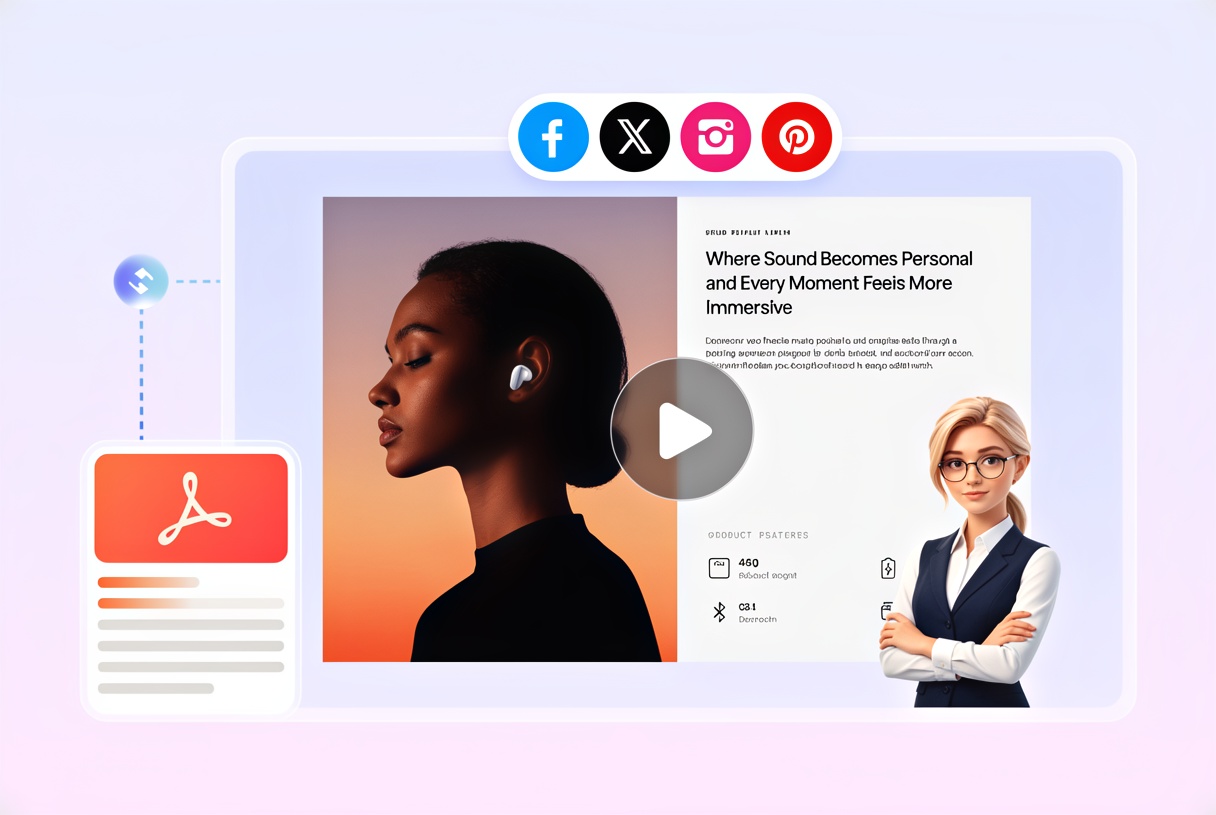
After generation, users can edit the video’s title and description and download the MP4 for playback during training sessions or presentations, or on display screens. They can also share the video through a unique link, embed it on a website, or include its QR code in handouts and other printed materials.
“Some videos need only the document pages, while others need a spoken introduction or a detailed explanation of each page,” said Winston Zhang, CEO of Recastia. “Our PDF to video converter gives users those choices so they can decide what to show and what to explain.”
To learn more about the PDF to video converter, please visit Recastia.
About Recastia
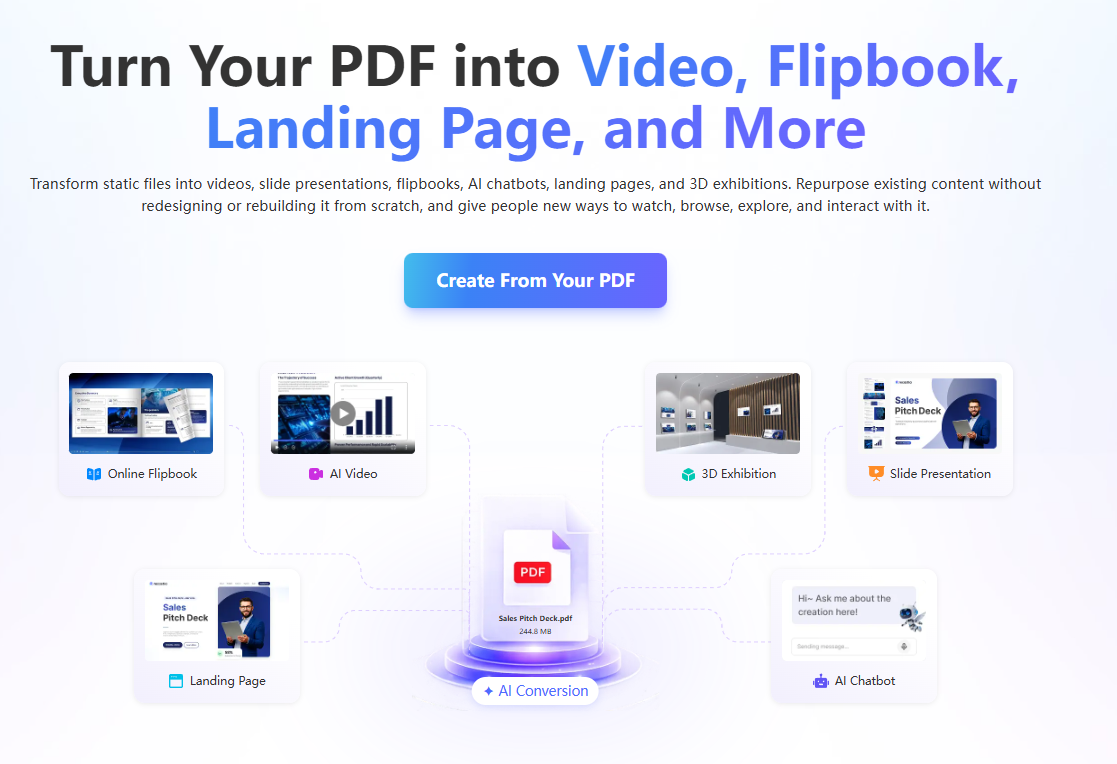
Recastia develops tools that turn existing files into videos, flipbooks, presentations, websites, AI chatbots, and 3D exhibitions. The platform helps users publish documents online, create visual explanations, and present their work for training, product communication, and other projects, with a choice of output formats.
Media Contact
Recastia Software Co., Ltd.
02061972665
Flat/Rm D3, 11/F, Luk Hop Industrial Building, No.8 Luk Hop Street, San Po Kong, Kowloon, Hong Kong
Source :Recastia Software Co., Ltd.
This article was originally published by IssueWire. Read the original article here.